


Wedding photos and videos
in one place
A wedding gallery with a QR code — guests scan and upload with no app, no account, no hassle.
Already have a code? Enter gallery
How it works?

Create your gallery
Sign up, name your event, and get a unique QR code and link for guests.
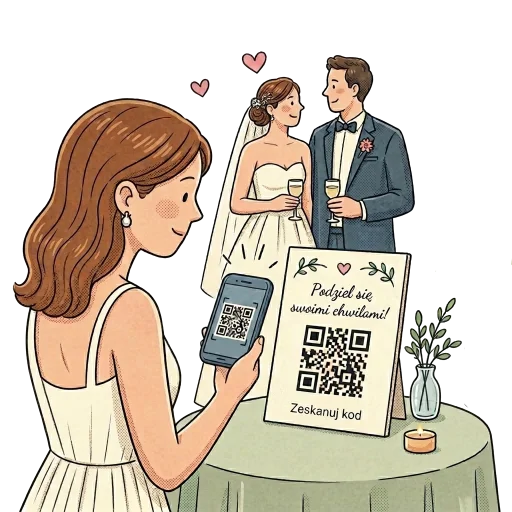
Guests scan and upload
Guests scan the QR code at the venue and upload photos and videos from their phones.

Collect every memory
All uploads appear in your gallery. Browse, download, and keep everything in one place.

Pricing
One payment. Full gallery access for a year.
Full package
One-time payment
- 100 GB storage for photos and videos
- 12 months file storage
- No guest login required
- Original-quality photo and video uploads
- Optimized for fast mobile browsing
- Download all files as ZIP
- Privacy and gallery access controls
Frequently asked questions
It is a shared photo and video gallery for your event. Guests scan the QR code on the invitation or place card, open the gallery in a browser, and upload files — no app and no account needed.
Guests scan the QR code on the invitation, table, or place card, open the gallery in a browser, and upload photos or videos. No account or app download is required.
You get access immediately after purchase. The QR code and gallery link are ready to share with guests right after payment.
All files are stored for 365 days (1 year) from the purchase date. During that time you can download everything to your device.
There is no guest limit. Total gallery capacity is 100 GB — enough for thousands of photos and many hours of video.
Payment is a one-time charge through secure Stripe checkout. After payment you immediately get full gallery access and printable QR materials.
Didn't find an answer? Contact us